Dark Mode Planners
Written by Lenny · February 27, 2026
For the iPad planners, I originally had 5 dark mode color themes; dark mode blue, dark mode brown, dark mode olive, dark mode purple and dark mode rose. All with a slightly different vibe. But today I was thinking, why don't I have the purest dark mode view possible? Black & white. Pure and simple. When I'm writing code, I like the color scheme of my code editor. So, I added 2 new color themes to the iPad minimalist planners; dark mode essentials and dark mode terminal.
I like working in dark mode, it has a sense of calm. Also, colors can feel more vivid than in light mode. The contrast is nice.
Dark mode essentials is exactly what it sounds like. Black background, white text, no distractions. It's the planner equivalent of a blank notebook on a dark desk. Just you and your thoughts.
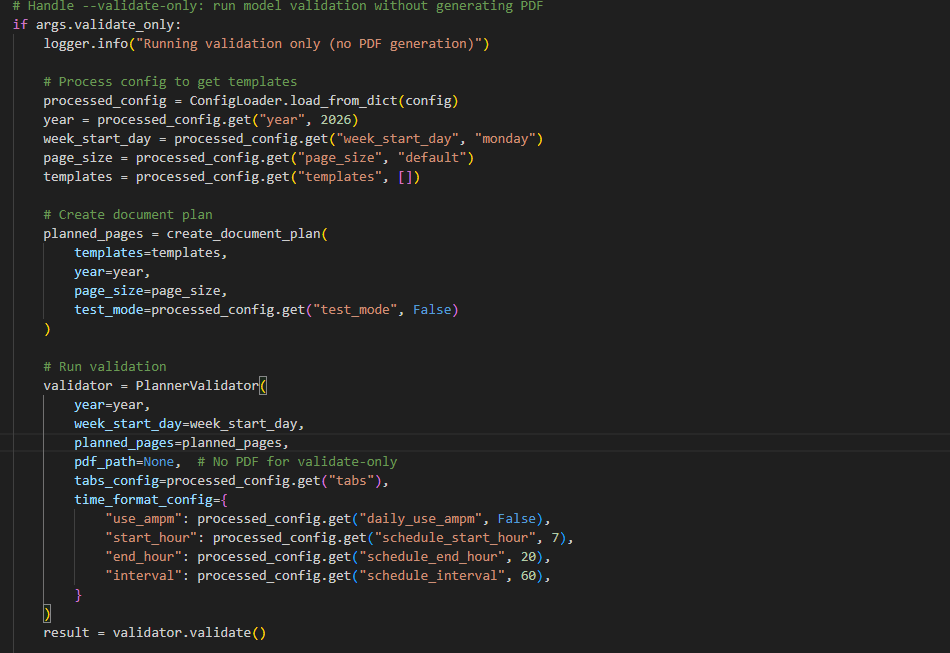
Dark mode terminal is for the nerds. And I say that with love, because I am one. It's inspired by the code editor I stare at all day — white text on a black background, with accents in orange, blue and green. If you've ever spent hours in an IDE, this will feel like home. If you haven't — it still looks cool.
I think people underestimate how much the color of your planner affects how you use it. A bright white page at 11pm when you're doing your weekly review? That's not calm, that's a flashlight in your face. Dark mode isn't just an aesthetic choice. It's a comfort thing. Especially on an iPad where you're literally staring at a light source.
The light mode versions aren't going anywhere, by the way. Some people plan in the morning with their coffee and sunlight. That's what light mode is for. But if you're a night planner, or you just prefer things a little quieter on the eyes — now you have seven dark themes to choose from.